

About Descript
Descript records or imports audio/video, auto-transcribes it, and lets you edit the recording by deleting or rearranging text. It also includes AI voice cloning (Overdub), filler-word removal, and screen recording.
Editorial assessment
Being able to edit audio or video just by deleting words in a transcript makes the whole process feel like working in a Google Doc rather than wrestling with a complex timeline. It's a total game-changer for speed and sanity.
Key features
Key Features
- AI-Powered Video Editing – Edit videos quickly using text-based editing tools.
- Text-Based Editing – Automatically transcribe your video and edit the content directly from the transcript.
- Podcast Editing – Record, edit, and produce professional podcasts from one platform.
- Screen Recording – Capture your screen, camera, microphone, or presentations with ease.
- AI Voice & Voice Cloning – Create and modify voice content using AI-powered voice tools.
- Automatic Transcription – Convert audio and video into searchable, editable text.
- Remove Filler Words – Automatically detect and remove words such as “um,” “uh,” and other unnecessary pauses.
- Eye Contact & AI Enhancements – Improve video presentation with AI-assisted editing features.
- Captions & Subtitles – Generate captions automatically for social media and video content.
- Collaboration Tools – Work with team members and share projects in a collaborative workspace.
- Content Repurposing – Turn long-form videos, podcasts, and recordings into shorter content for social platforms.
- Who Is Descript For?
Descript is suitable for:
- YouTubers and video creators
- Podcasters
- Social media managers
- Digital marketers
- Content agencies
- Online educators and instructors
- Freelancers
- Businesses and startups
- Course creators
- Professional content teams
Descript combines video editing, audio editing, transcription, screen recording, AI tools, and collaboration in a single platform. Its transcript-based workflow can significantly simplify editing for creators who want to produce high-quality content without spending hours learning traditional video-editing software.
Whether you're creating YouTube videos, podcasts, tutorials, online courses, social media videos, product demonstrations, or marketing content, Descript provides tools to record, edit, enhance, and publish content from one workspace.
Pros
- ✓ Editing by text is dramatically faster for talking-head content
- ✓ Strong filler-word and silence removal
- ✓ Overdub AI voice cloning for corrections
- ✓ Good fit alongside your video-ad production work
Cons
- × Not built for complex multi-track cinematic editing
- × Can feel heavy for very short clips
Best for
Consider another tool if
- ✓ You need frame-precise cinematic editing (color grading, VFX)
One of the fastest ways to cut talking-head video and podcasts — pairs naturally with your ad-production services.
Pricing
Starter - $16/month
FreemiumHobbyist — $16/month Creator — $24/month ⭐ Most Popular Business — $50/month Enterprise — Custom Pricing All packages are per person/month
Explore partner offers
Check the provider’s current pricing, availability and terms before buying.
Alternatives to consider
 Freemium
Synthesia
FreemiumSynthesia generates presenter-style videos from a script using AI avatars in 140+ languages.
Related comparisons
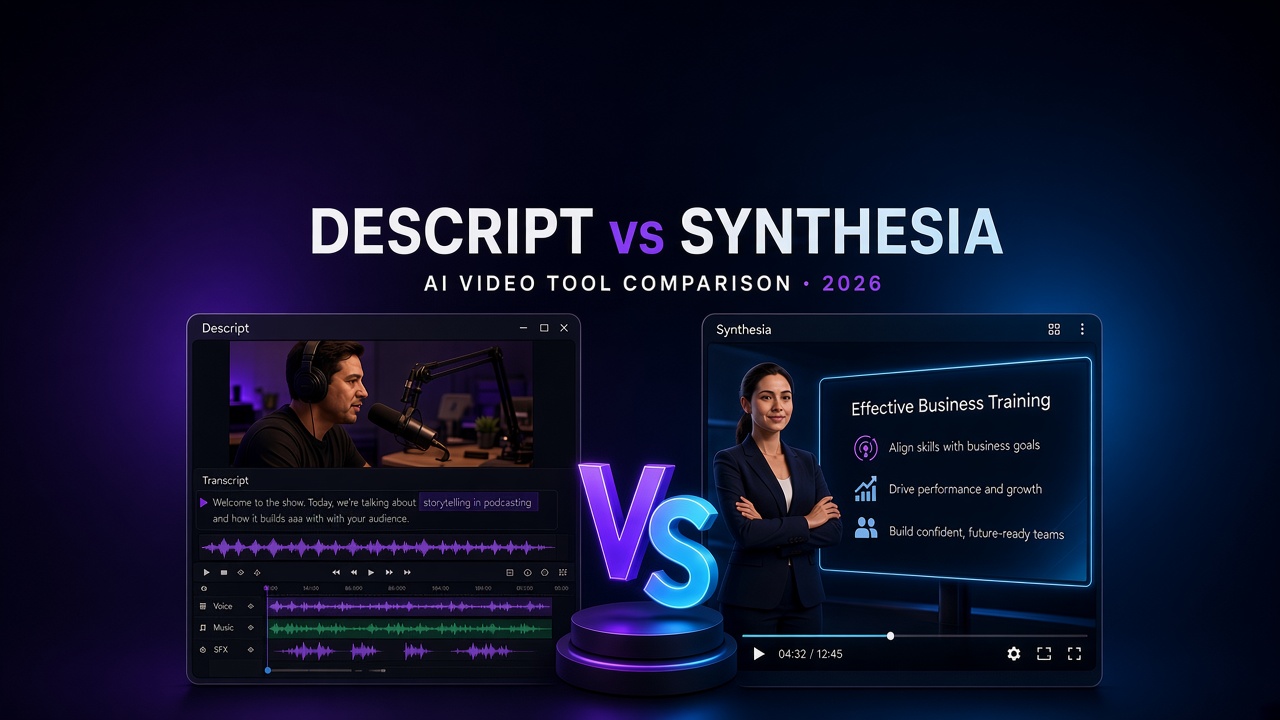
Descript vs Synthesia: Which AI Video Tool Is Worth Paying For?
Choosing between Descript and Synthesia? Compare AI video editing, script-to-video generation, avatars, audio tools, pricing and workflows to find the right fit. Copy excerpt