

About Synthesia
Synthesia lets you type a script, pick an AI avatar and voice, and generate a finished presenter video — commonly used for training videos, product explainers, and localized marketing content across many languages.
Editorial assessment
I really appreciate how easy to use the platform is and how clear and helpful the support materials are. Synthesia makes it simple to explore AI tools even for beginners, and the overall user experience is excellent. With the free account, I could only access a limited range of AI features. It would be great to have a bit more freedom to explore the platform’s full potential before upgrading and surely will upgrade to premium plans.
Key features
Synthesia AI
Turn your ideas, documents, and presentations into professional videos without a camera, studio, or production team.
Synthesia is an AI video platform built for people who need to create clear, professional videos at scale. Instead of recording yourself every time you need a training lesson, product explanation, presentation, or internal update, you can write your content, choose an AI presenter, and create the video from one place.
The real reason to consider Synthesia isn't simply its AI avatars. It's the time you can save when video becomes part of your regular workflow.
Need to update a training video? Edit the script instead of arranging another recording.
Need the same content in different languages? Create localized versions without starting from scratch.
Need professional-looking videos but don't have a camera setup or production team? Synthesia removes much of that overhead.
Why Buy Synthesia?
Synthesia makes the most sense if you're regularly turning information into video.
It's particularly useful for:
Training & onboarding — create lessons employees can watch whenever they need them.
Business communication — turn important updates and presentations into engaging videos.
Education — explain lessons and complex topics with an on-screen presenter.
Product content — create demonstrations and walkthroughs without recording every update.
Multilingual content — adapt video content for audiences in different languages.
You don't need to become a video editor to use it.
If your business creates videos repeatedly, Synthesia can turn video production from a project into a repeatable workflow.
Try Synthesia AI Video and Avatar platform for business →
Pros
- ✓ No camera, actor, or studio needed
- ✓ 140+ languages and voices
- ✓ Fast turnaround for explainer/training videos
- ✓ Custom avatar option on higher plans
Cons
- × AI avatars can still feel slightly synthetic
- × Less flexible than real footage for brand storytelling
Best for
Consider another tool if
- ✓ The brand needs authentic real-person on-camera presence
The fastest route from script to finished presenter video — a natural add-on for clients who need explainer content without a shoot.
Pricing
Starter - $18/month
FreemiumBasic — Free Starter — $18/month Creator — $64/month ⭐ Most Popular Enterprise — Custom
Explore partner offers
Check the provider’s current pricing, availability and terms before buying.
Related comparisons
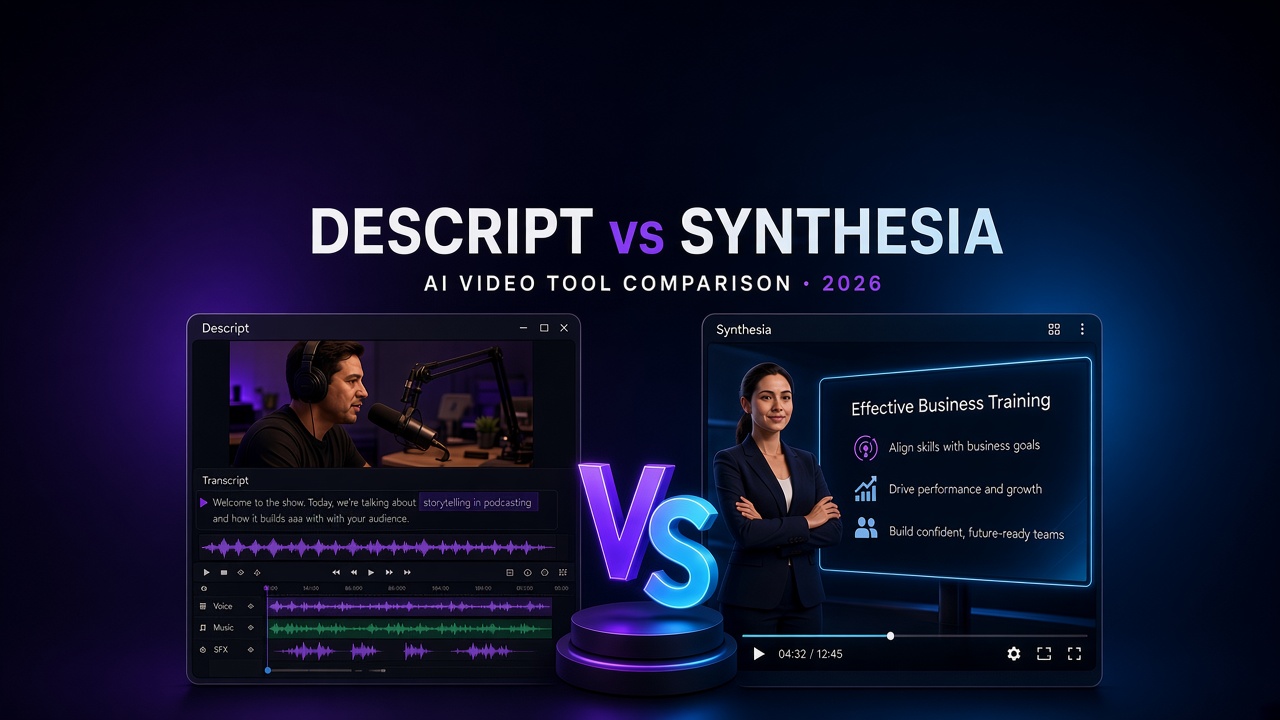
Descript vs Synthesia: Which AI Video Tool Is Worth Paying For?
Choosing between Descript and Synthesia? Compare AI video editing, script-to-video generation, avatars, audio tools, pricing and workflows to find the right fit. Copy excerpt